
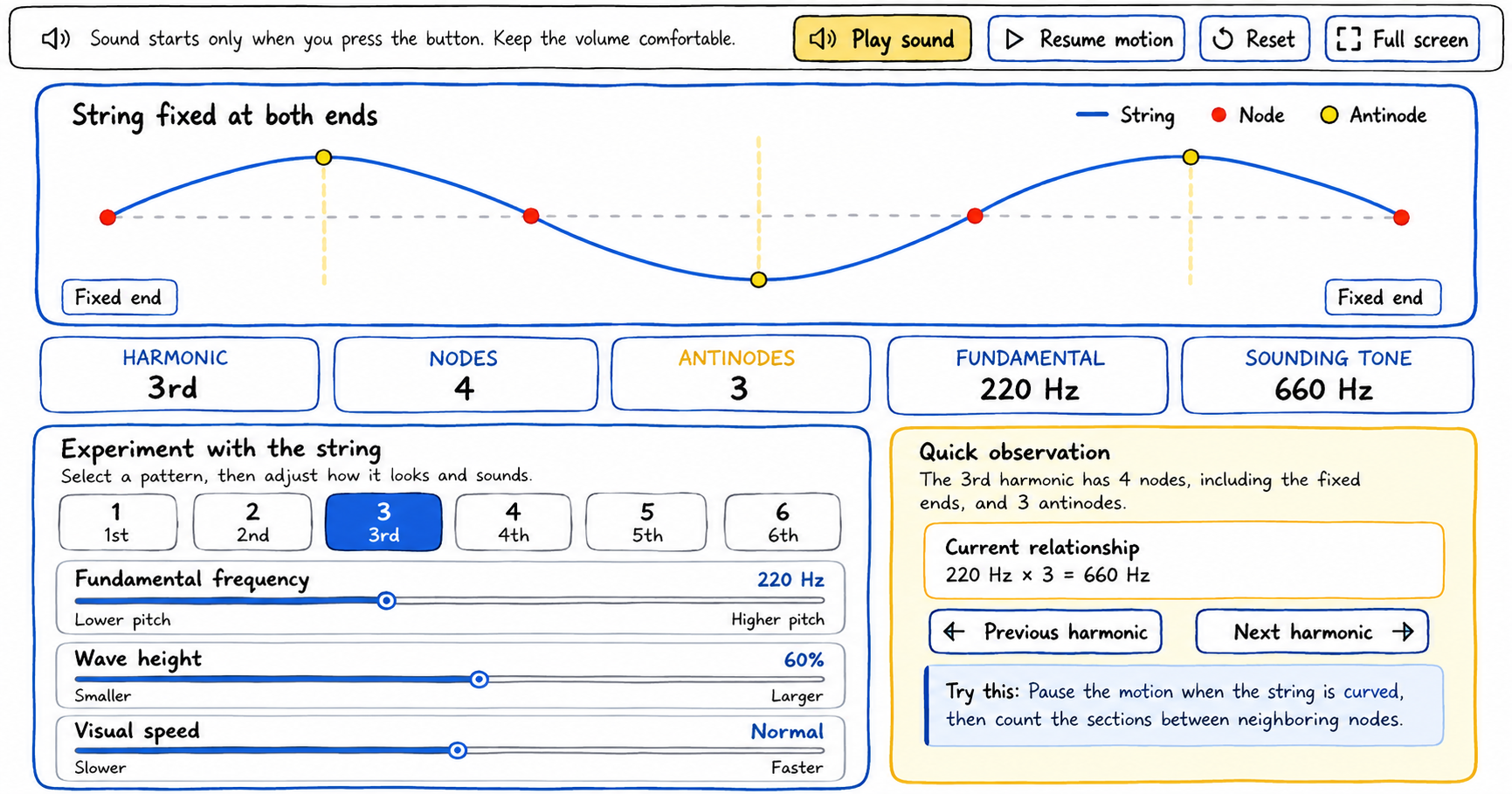
Use this standing wave visualizer to select harmonics, adjust the wave, identify nodes and antinodes, and hear the corresponding tone.
How to use the standing wave visualizer
1
Choose a harmonic
Select a button from 1 through 6. The string pattern and the node, antinode, and tone readouts update immediately.
2
Adjust the controls
Change the fundamental frequency, wave height, or visual speed. Each control is labeled with the part of the tool it affects.
3
Observe the string
Use the red node markers and yellow antinode markers. Pause and resume the motion whenever you need a closer look.
4
Listen to the tone
Press Play sound to hear the displayed sounding frequency. Press Stop sound before leaving the activity.
Sound tip: Begin with your device volume low and raise it only to a comfortable level.