Triangle Calculator

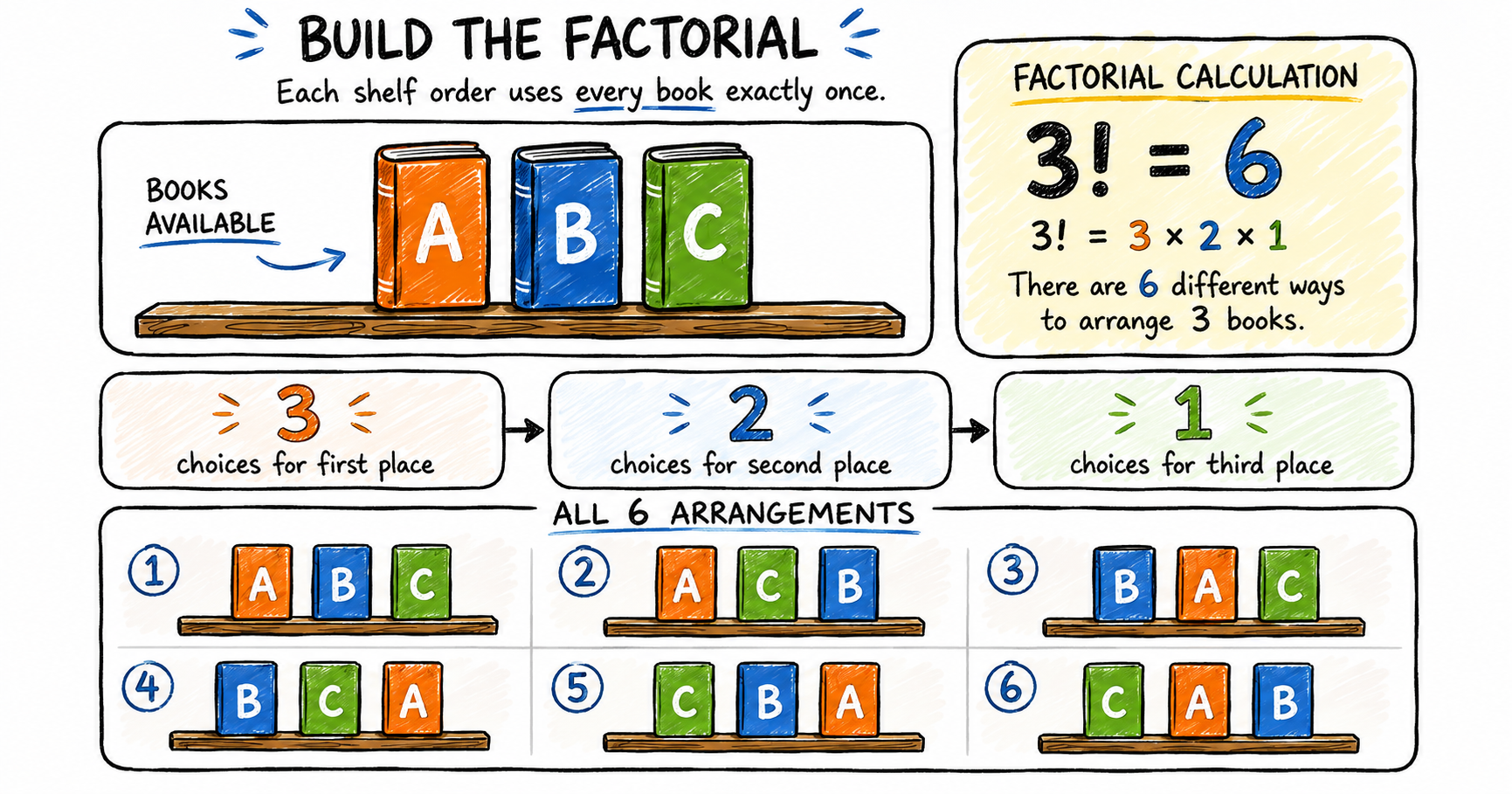
Hand-drawn scribble-style feature image of an interactive triangle calculator showing input panels for Pair A, Pair B, and Pair C with side and angle values. The solved triangle diagram displays labeled sides and angles, while result cards show the triangle’s missing measurements, perimeter, area, angle check, and triangle type.

Use this interactive triangle calculator to enter three known measurements, solve the missing sides and angles, view a proportional diagram, and follow the calculation method. How to use the triangle calculator Enter exactly three known measurements and leave the other three boxes empty. At least one known measurement must be a side. 1 Match opposite … Read more
Interactive Math Functions Tool (Learn Linear ,Exponential, Logarithmic and Quadratic Equations)

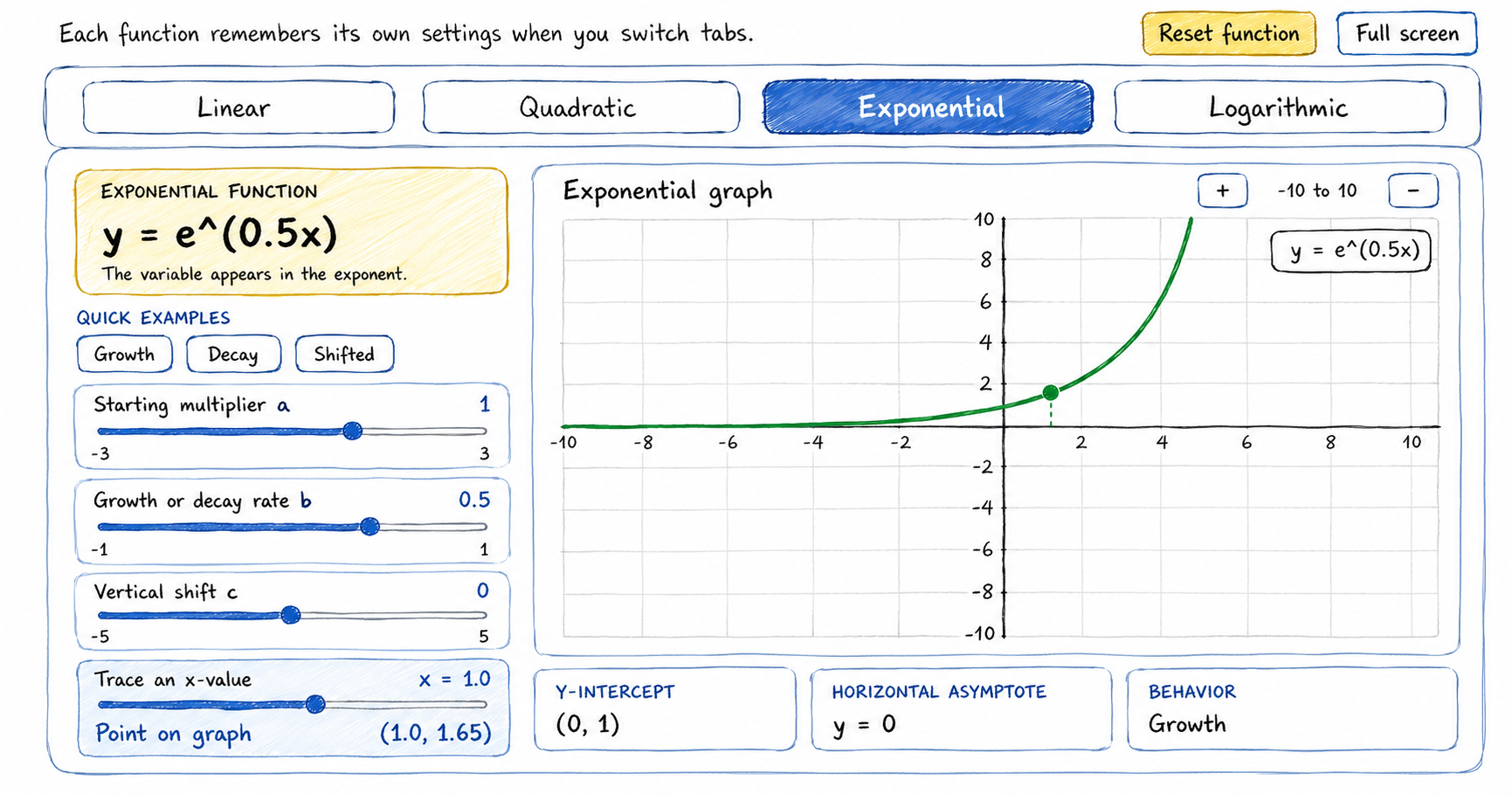
Hand-drawn scribble-style feature image of a Math functions interactive tool showing exponential function having the equation y = e^(0.5x), adjustable sliders for multiplier, growth rate, vertical shift, and x-value, plus a green exponential growth curve on a coordinate graph. Result boxes display the y-intercept, horizontal asymptote, and growth behavior.

Use this interactive math functions graph tool to explore linear, quadratic, exponential, and logarithmic functions by changing coefficients and observing each graph. How to use the interactive math functions graph tool Select a function family, adjust its coefficients, and compare the equation with the graph and calculated features. 1 Choose a function Select Linear, Quadratic, … Read more

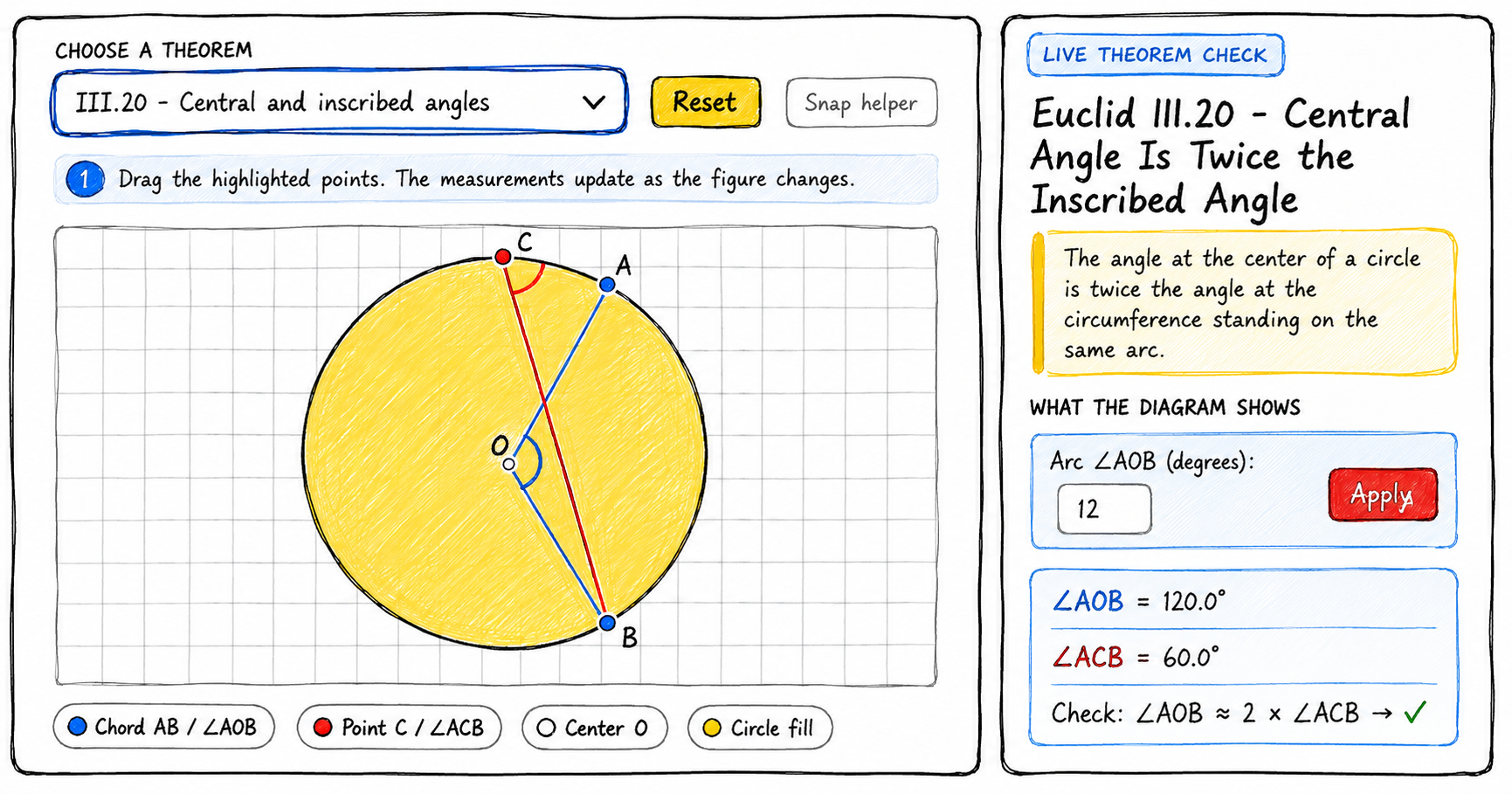
What are Euclid Theorems? Explore with this Interactive Widget

Scribble-style educational infographic illustrating the layout of Euclid Theorems Explorer. The explorer shows Euclid’s central angle theorem, with a circle labeled A, B, C, and center O, showing a 120° central angle and a 60° inscribed angle on the same arc, demonstrating that the central angle is twice the inscribed angle.

Explore Euclid’s theorems with interactive diagrams. Drag points, change measurements, and observe which geometric relationships remain true. How to use the Euclid’s theorems explorer 1 Choose a theorem Open the theorem menu and select a result from Book I or Book III of Euclid’s Elements. 2 Move the points Drag the colored points on the … Read more

How Many Ways Can You Arrange Books? A Fun Look at Factorial!

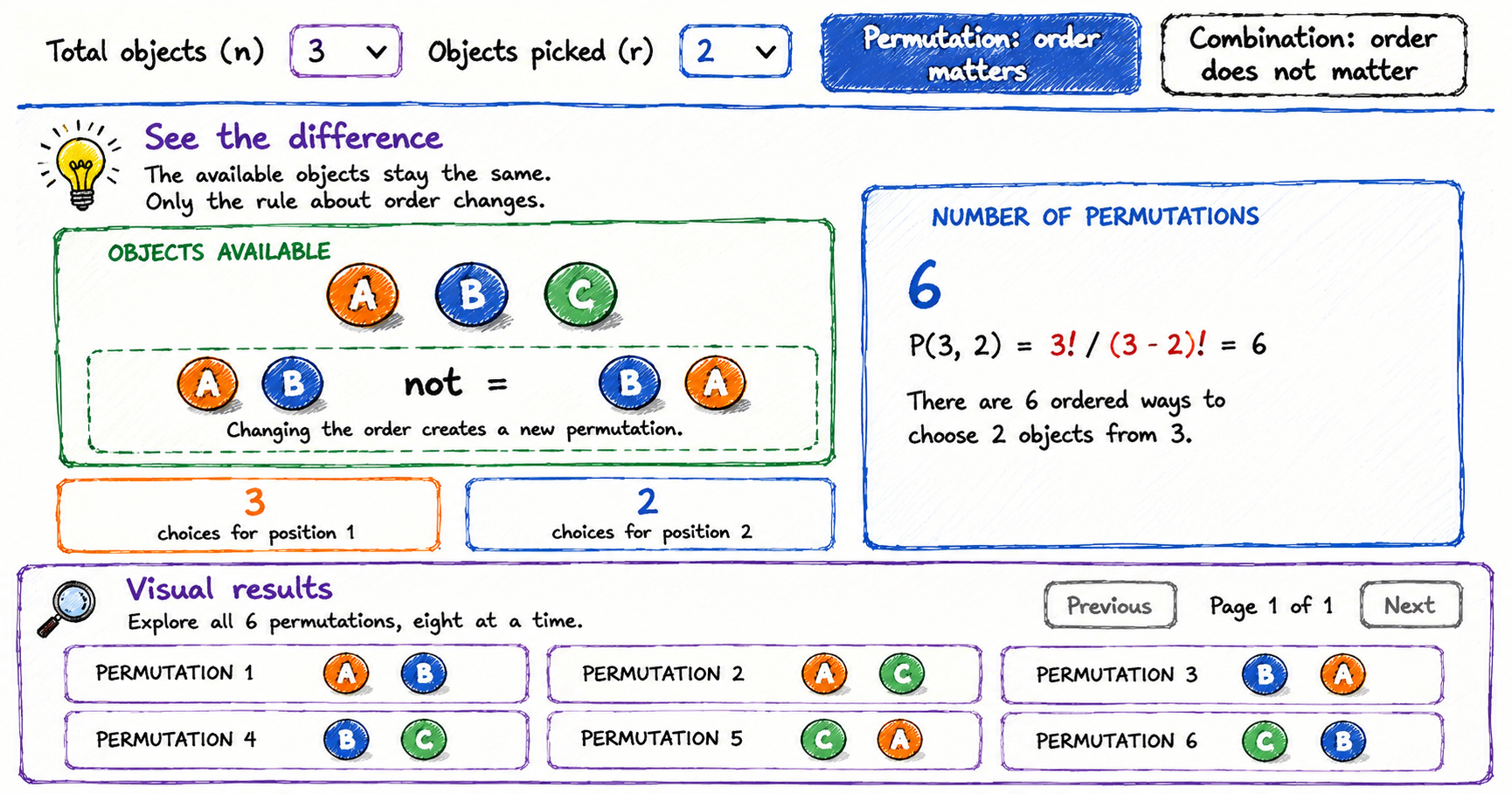
Scribble-style educational infographic explaining factorials with three books labeled A, B, and C, showing 3!=3×2×1=6 and all six possible arrangements of the books.

How many different ways can books be placed on a shelf? Explore factorials visually by changing the number of books, following the multiplication pattern, and browsing every possible arrangement. How to use the factorial book arranger Choose between one and six books. The activity calculates the factorial and displays the unique shelf orders in manageable … Read more

Exploring Permutations and Combinations: A Simple Visual Guide for Students

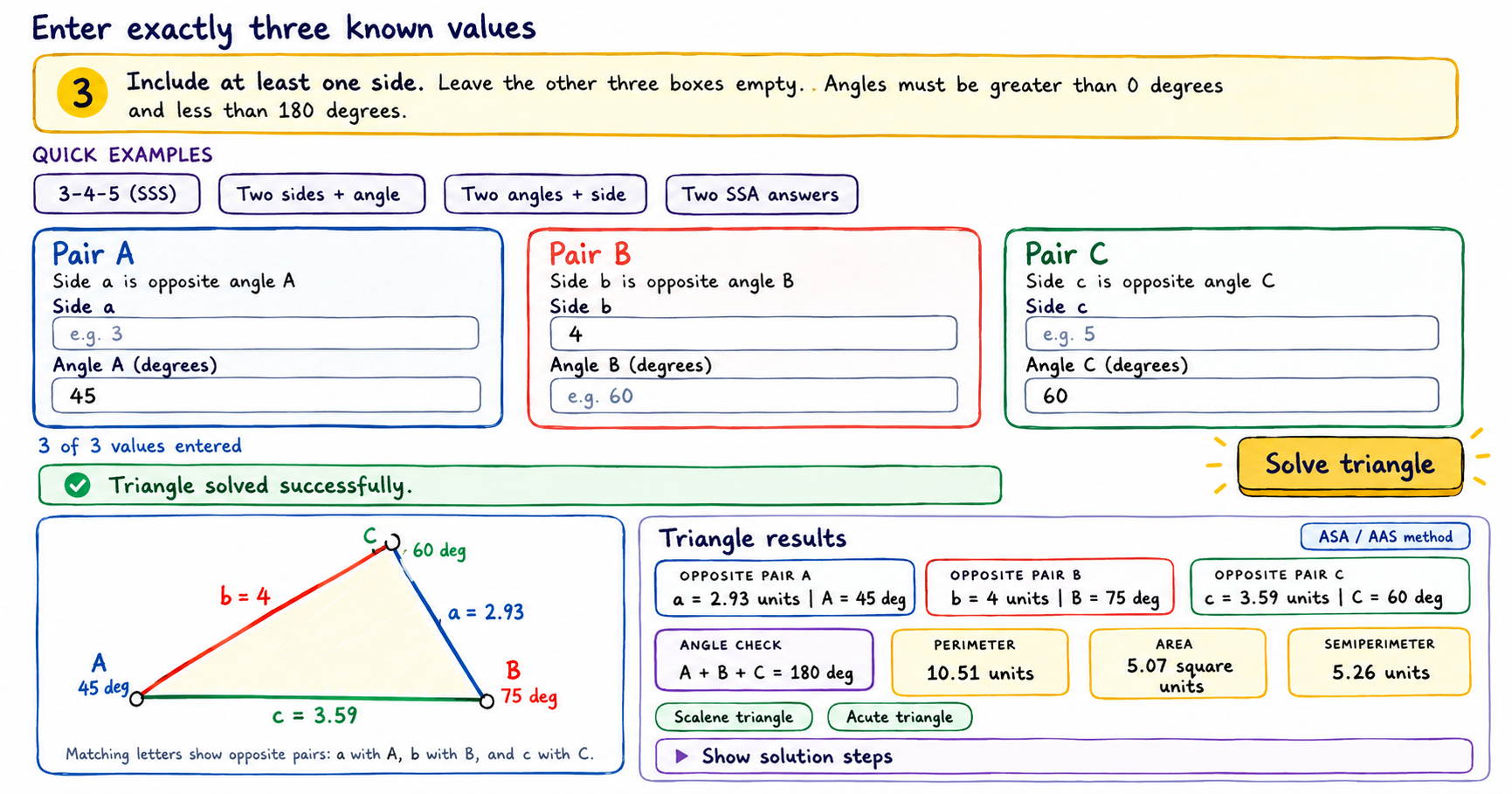
Scribble-style educational infographic explaining permutations with three objects, A, B, and C, showing that order matters, the formula P(3,2)=6, and all six possible ordered pairs.

This permutations versus combinations interactive tool helps students count selections, arrangements, and possibilities. Explore exactly how the answer changes when order matters or does not matter. How to use the permutations versus combinations interactive tool Choose the total number of objects, choose how many will be picked, then compare the two counting methods. 1 Choose … Read more