
Interactive Physics tools
Explore physics by changing variables and watching what happens.
These interactive physics tools help learners see motion, sound, waves, light, energy, astronomy, and other science ideas in action. Use them to experiment, compare results, and build intuition through visual learning.
Physics tool library
Explore every Physics tool on Genius Littles.
The tools below should be loaded automatically from WordPress. When you publish a new interactive tool and assign it to the Physics Tools category, it will appear here without editing this page manually.
-
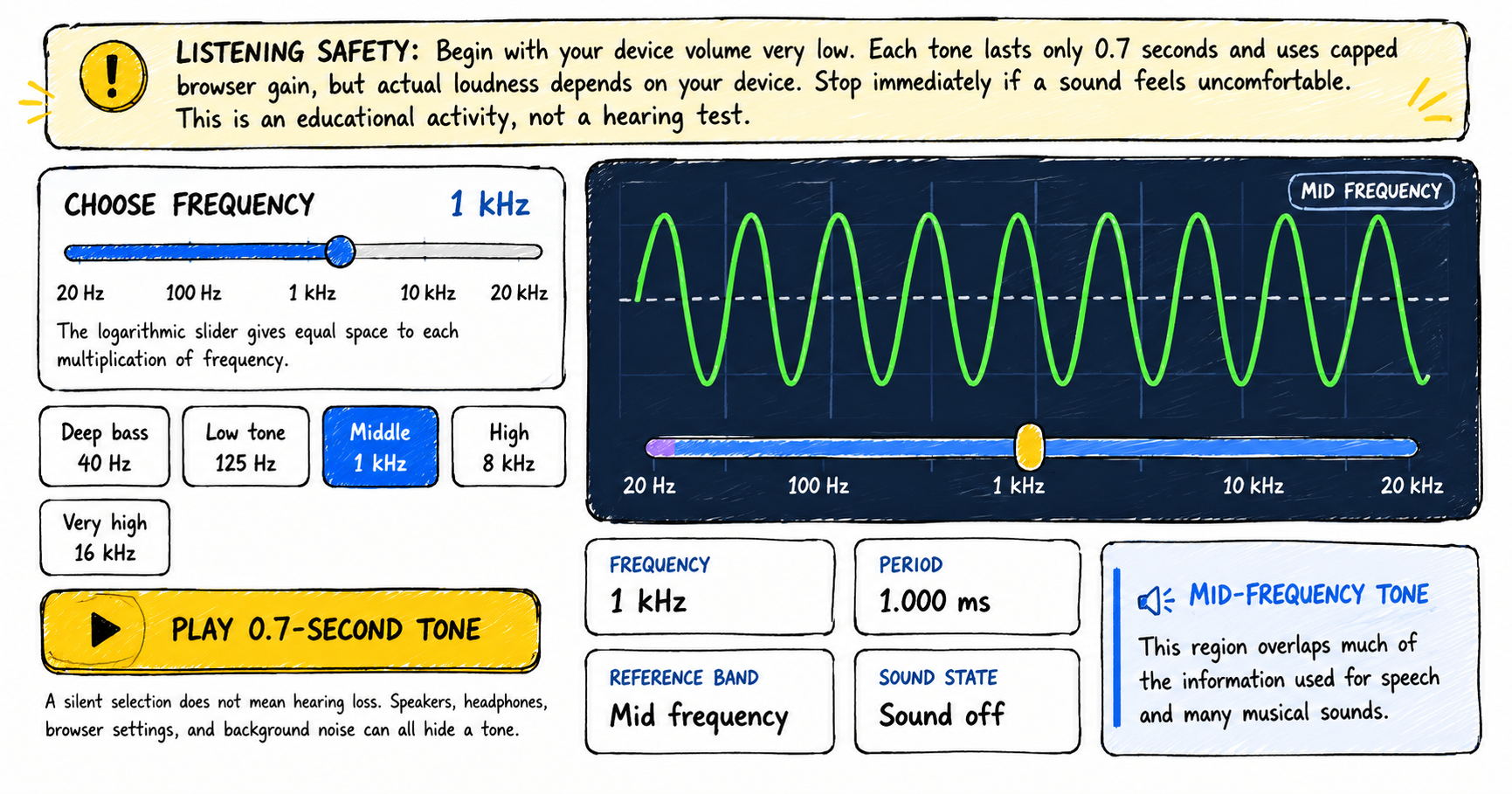
The Human Hearing Range Explorer
Explore the human hearing range from low bass to very high frequencies, compare pitch and period, and optionally record observations from short quiet tone bursts. How to use the human hearing range explorer 1 Lower your volume Set your device volume very low before playing a tone. Stop immediately if any sound feels uncomfortable. 2…
-
Calculate Mass, Volume or Density using this simple Calculator
Enter any two known parameters such as mass and volume, volume and density or mass and density to find the third unknown parameter Density Calculator Density (g/cm³): Mass (g): Volume (cm³): Calculate
-
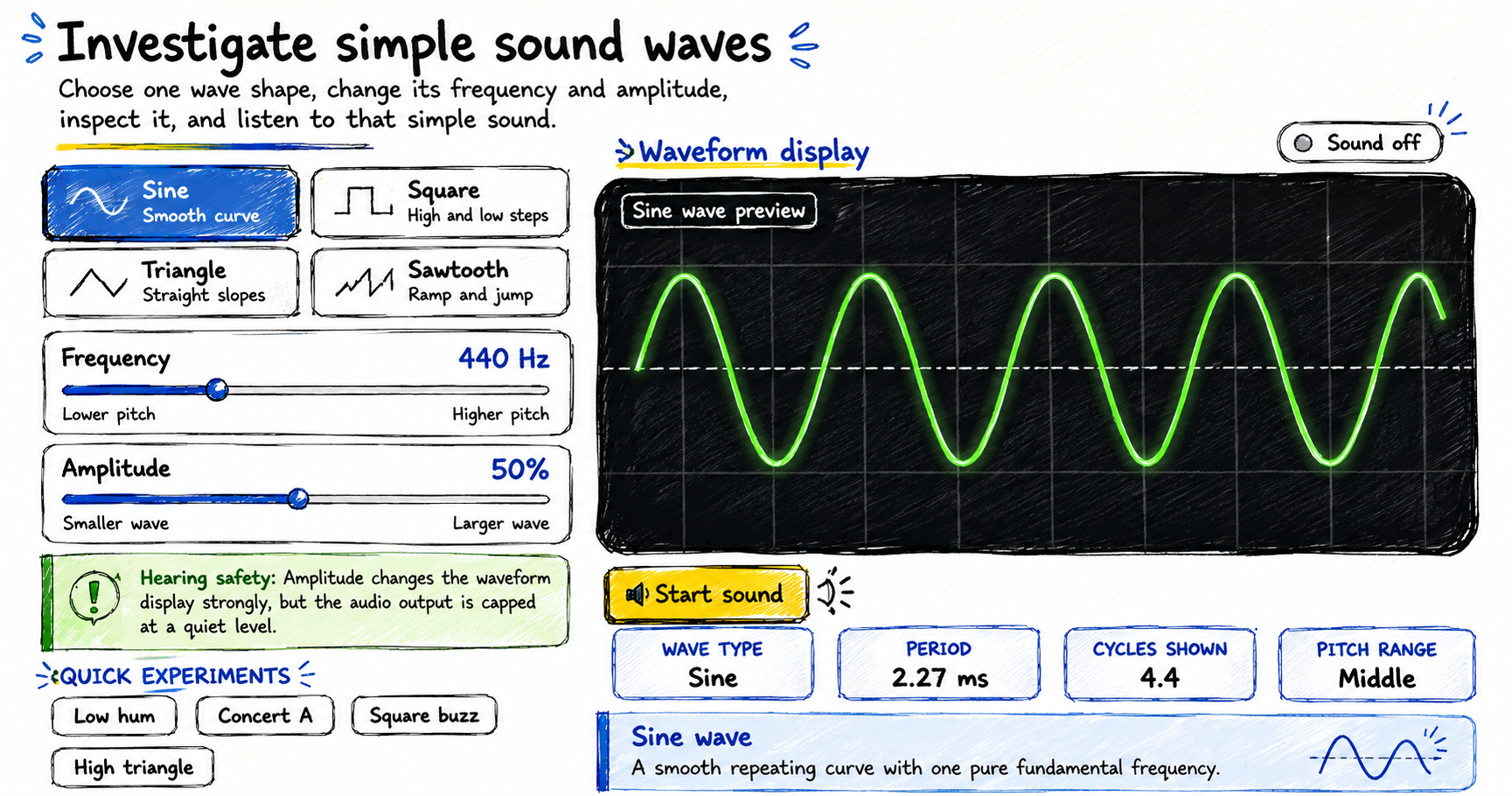
Make Your Own Sound Wave – Interactive Sound Wave Visualizer
Make your own sound wave by choosing a waveform, changing its frequency and amplitude, adding multiple waves together, observing the shape, optionally listening to the resulting tone, and using your microphone to investigate real sounds. How to make your own sound wave The visualizer opens silently. You can explore every control and waveform before starting…