
Interactive Physics tools
Explore physics by changing variables and watching what happens.
These interactive physics tools help learners see motion, sound, waves, light, energy, astronomy, and other science ideas in action. Use them to experiment, compare results, and build intuition through visual learning.
Physics tool library
Explore every Physics tool on Genius Littles.
The tools below should be loaded automatically from WordPress. When you publish a new interactive tool and assign it to the Physics Tools category, it will appear here without editing this page manually.
-
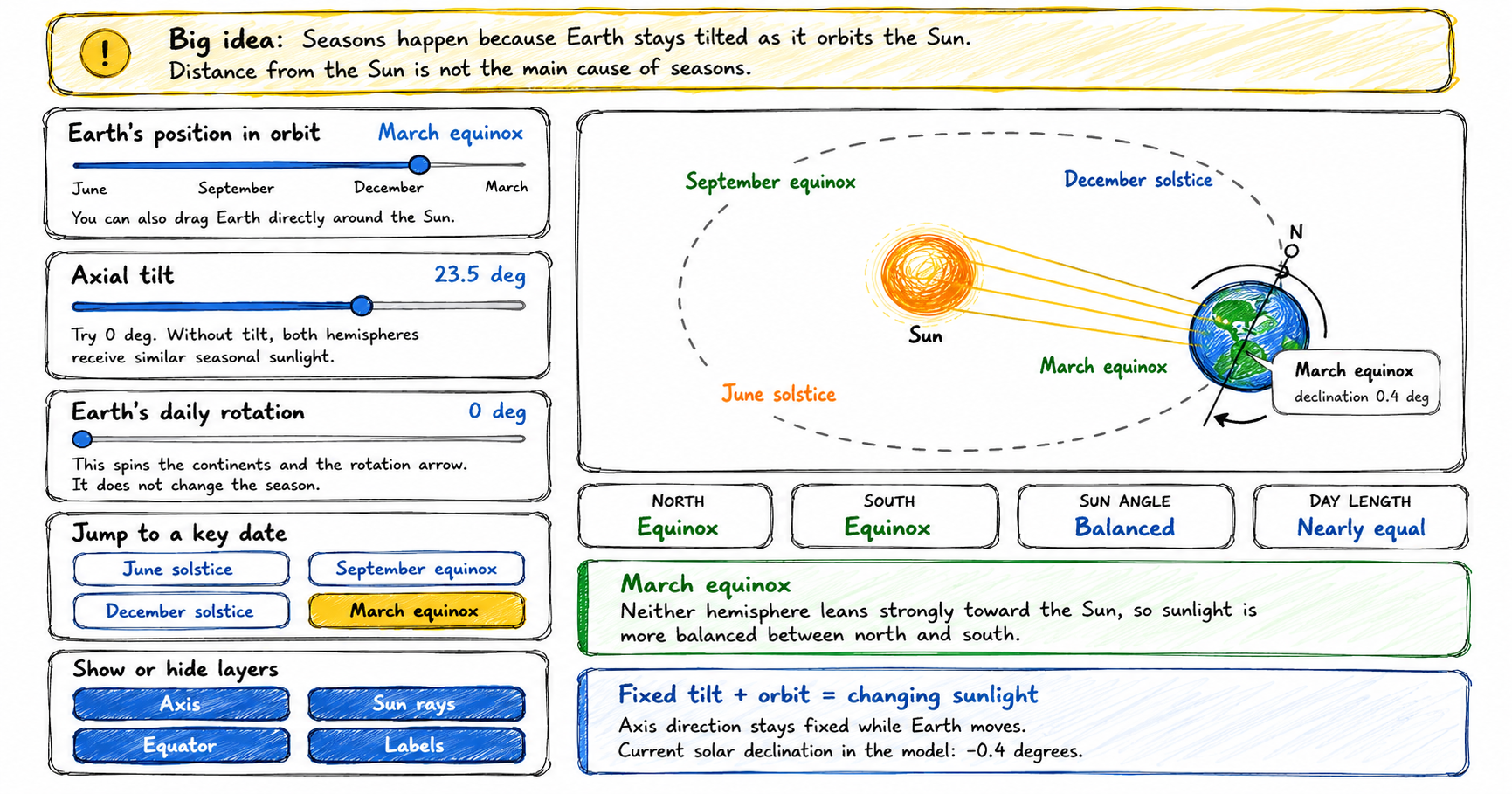
Interactive Seasons Simulator
Use this interactive seasons simulator to learn why seasons change. Drag Earth around the Sun, adjust the axial tilt, spin the globe, and compare solstices, equinoxes, sunlight angle, and day length. How to use the interactive seasons simulator 1 Drag Earth Move Earth around the Sun or use the orbit slider. Watch the axis stay…
-
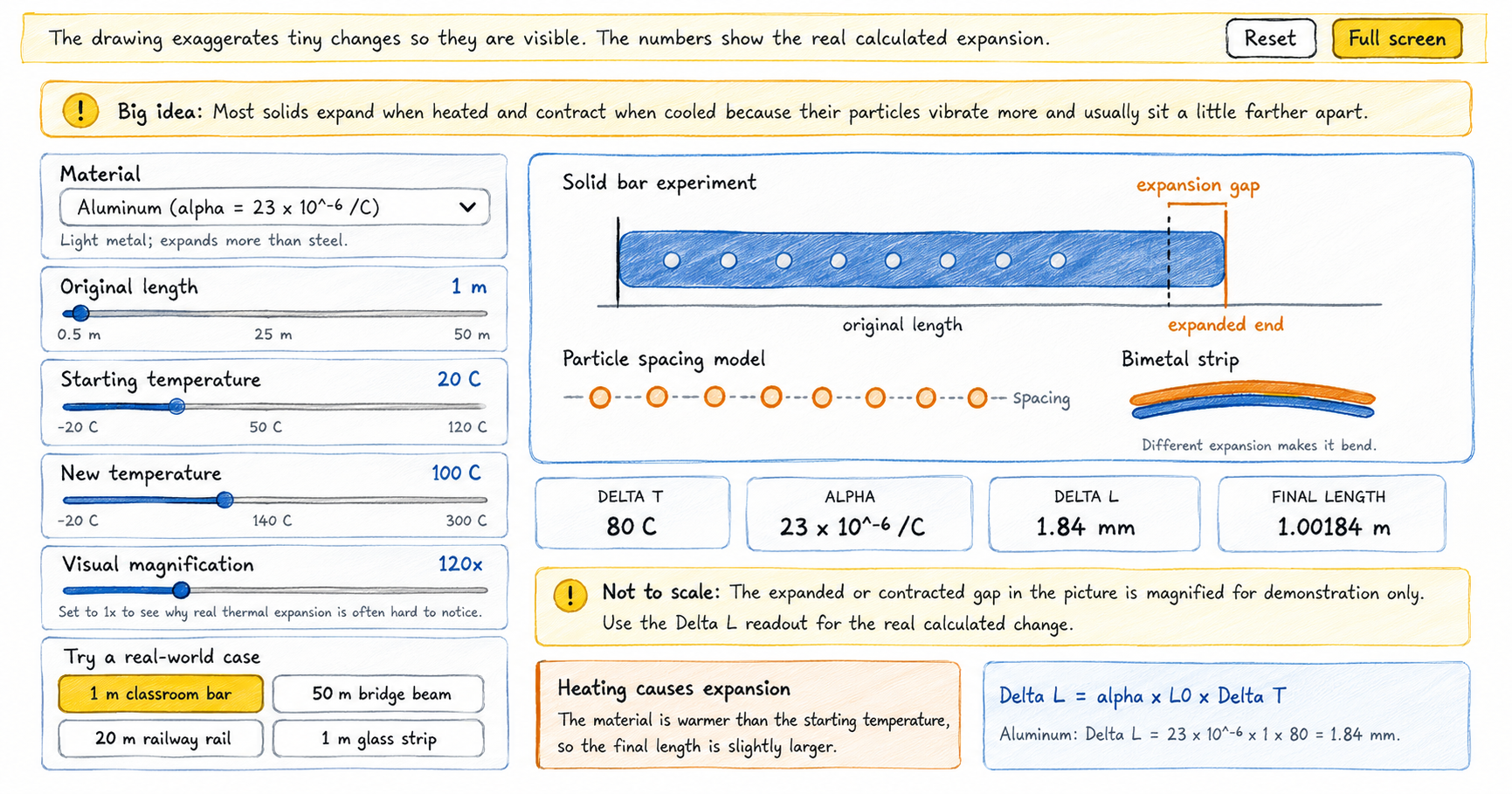
Thermal Expansion Visualizer
Use this thermal expansion visualizer to heat and cool different materials, compare real length changes, and discover why small expansions matter in bridges, rails, glass, and metal strips. How to use the thermal expansion visualizer 1 Choose a material Pick aluminum, brass, copper, steel, glass, concrete, or invar. Each one has a different expansion coefficient.…
-
Daily Calories Estimator
Use this daily calories estimator to learn how much energy you need daily. Young learners can compare broad kcal ranges and adult EER calculations while exploring how activity level and body measurements affect an estimate. How to use the daily calories estimator 1 Choose a mode Use basic learner mode for broad age-group ranges or…
-
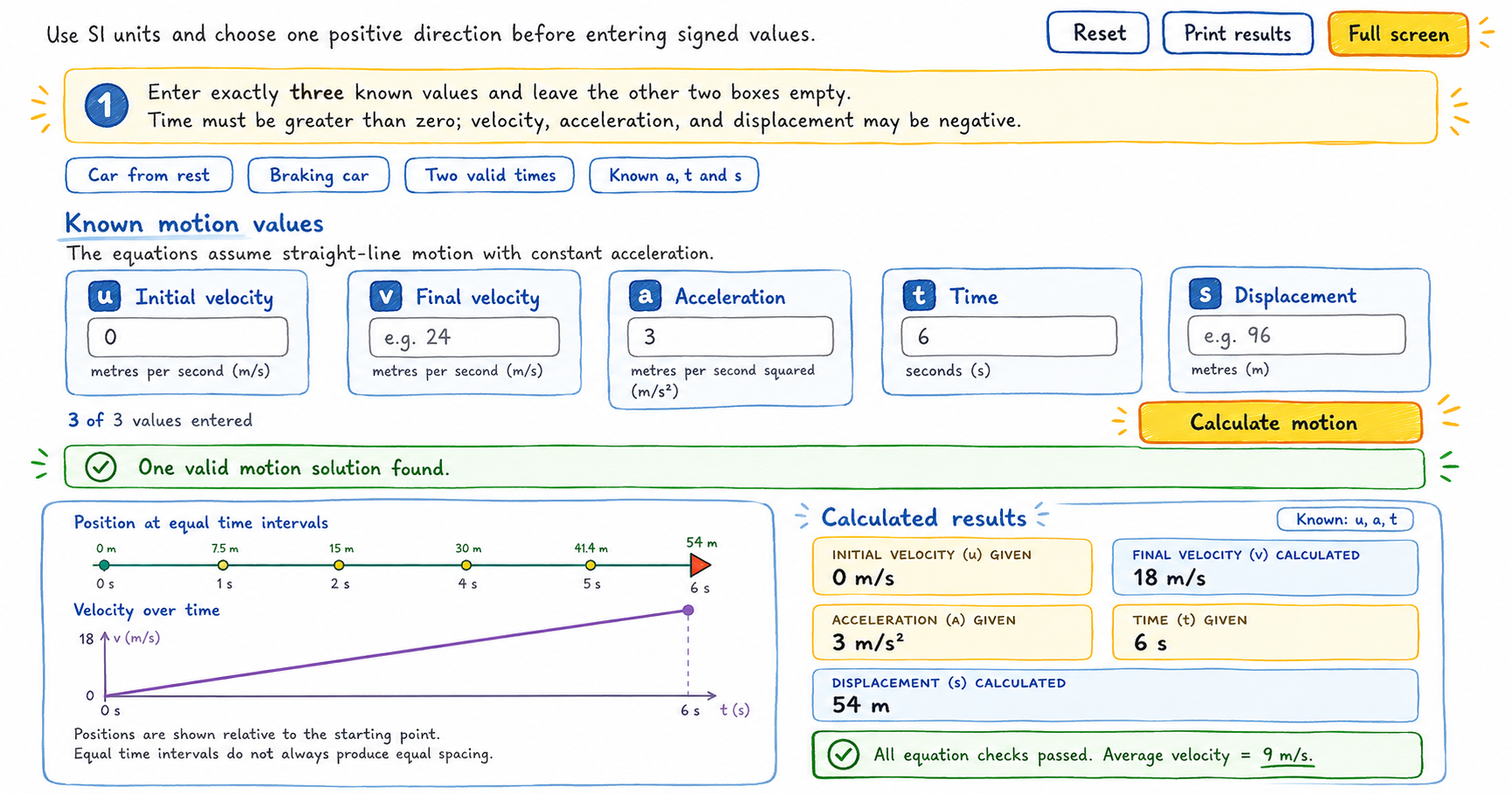
Equations of Motion Calculator
Use this equations of motion calculator to find missing velocity, acceleration, time, or displacement values for straight-line motion with constant acceleration. How to use the equations of motion calculator 1 Choose a positive direction Decide which direction is positive. Enter velocity, acceleration, and displacement in the opposite direction as negative values. 2 Enter three values…
-
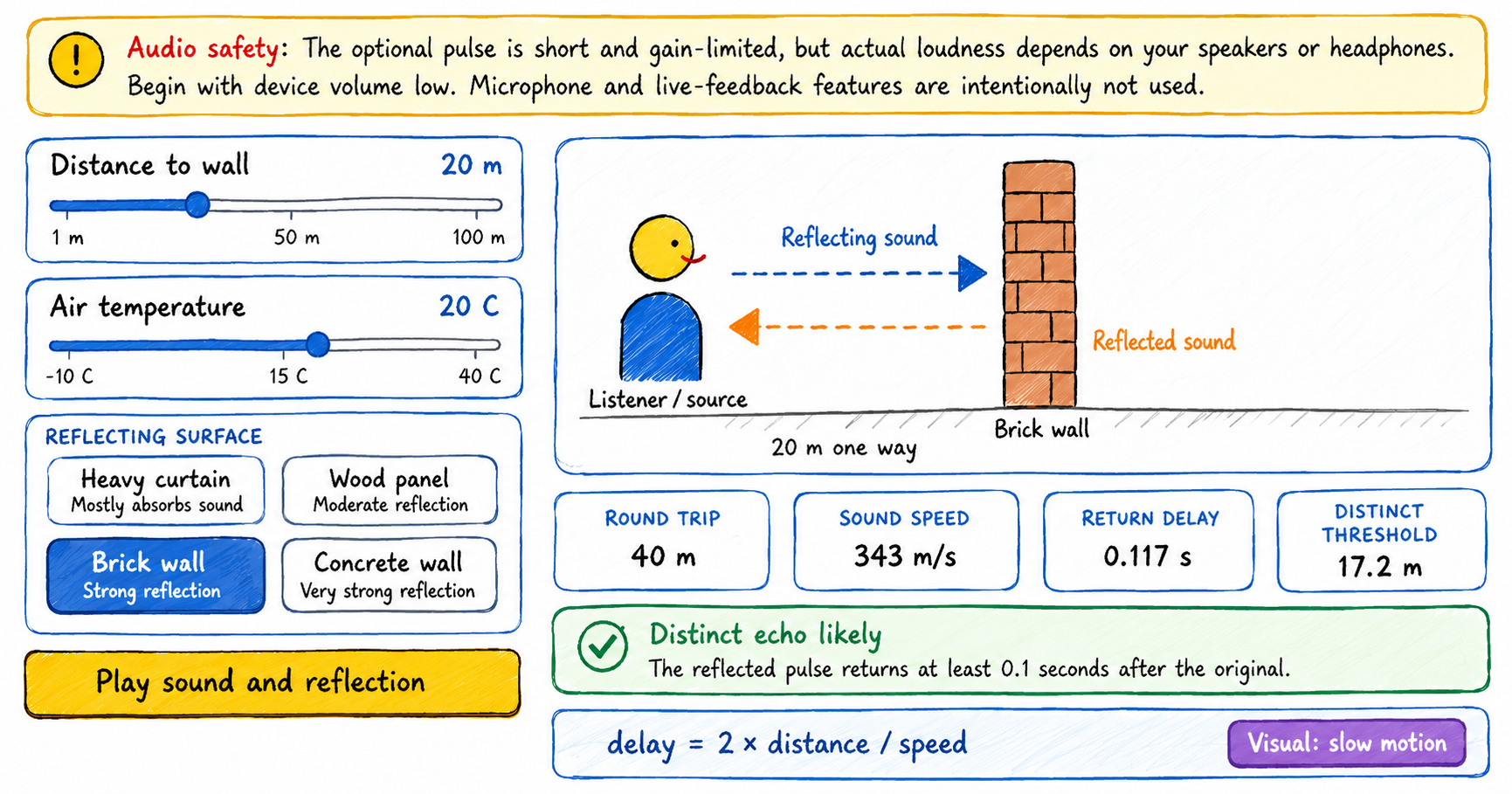
Echo Simulator – Interactive Tool
Use this interactive echo simulator to change the distance to a wall, air temperature, and reflecting surface, then observe the outgoing sound and its returning reflection. How to use the echo simulator 1 Choose the distance Move the distance slider to place the reflecting wall from 1 to 100 metres away. 2 Set the air…
-
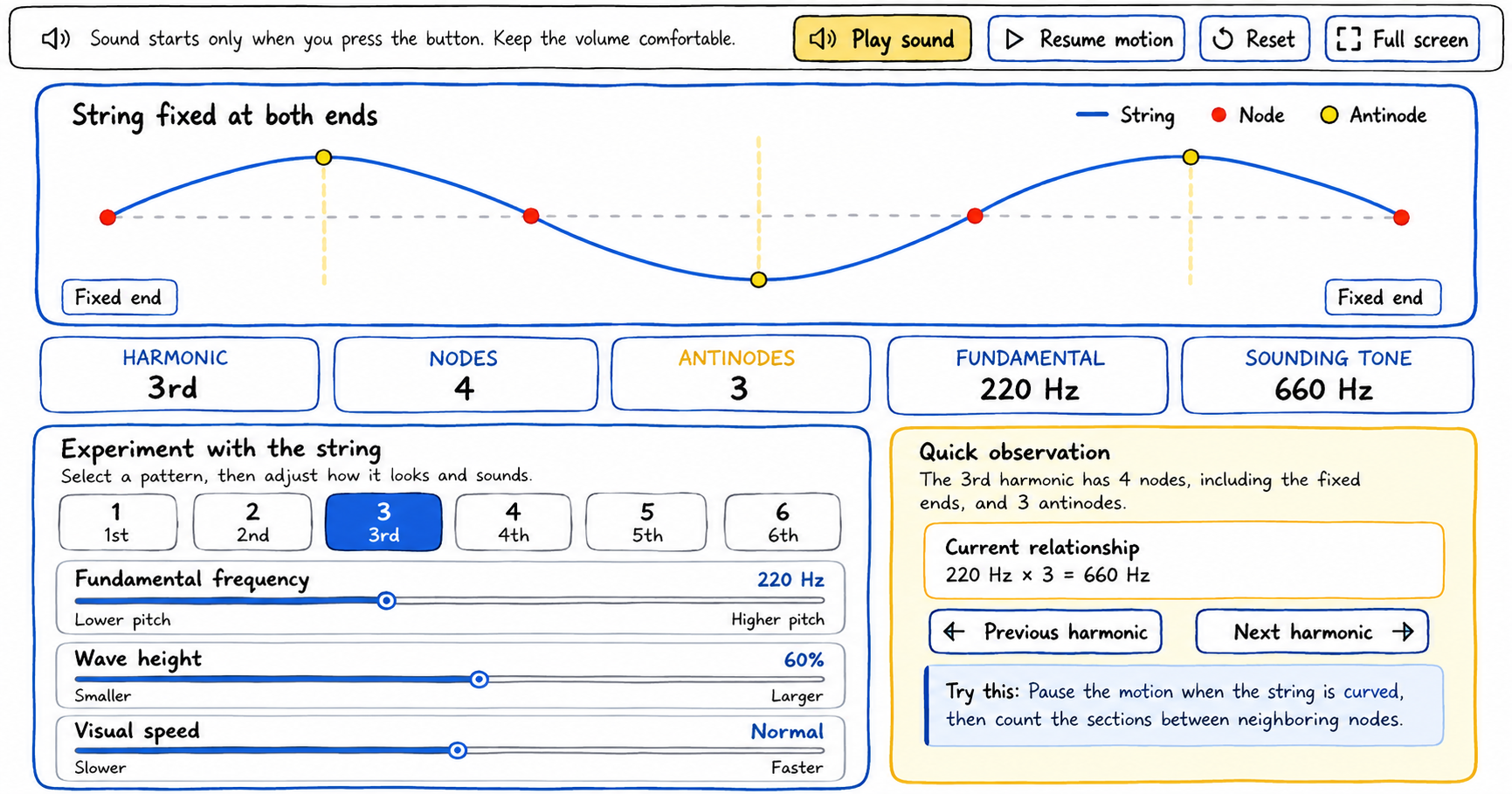
Standing Wave Visualizer
Use this standing wave visualizer to select harmonics, adjust the wave, identify nodes and antinodes, and hear the corresponding tone. How to use the standing wave visualizer 1 Choose a harmonic Select a button from 1 through 6. The string pattern and the node, antinode, and tone readouts update immediately. 2 Adjust the controls Change…
-
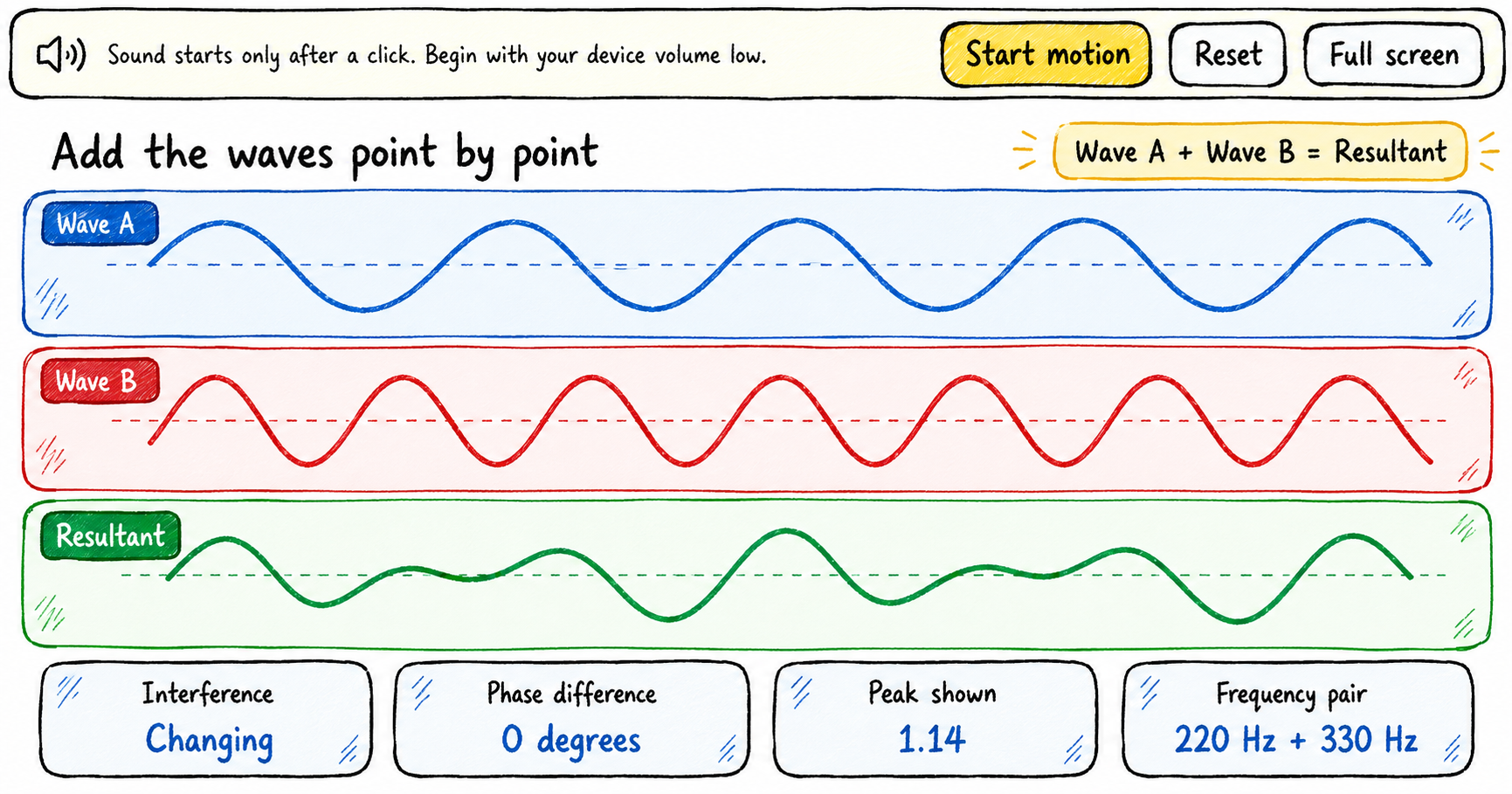
Understanding Waves Superposition with this Interactive Tool
Explore the superposition of waves by changing the frequency, amplitude, and phase of two waves, then observing how their displacements combine to form a resultant wave. How to use the superposition of waves tool The explorer displays Wave A, Wave B, and their resultant in three aligned graphs. Begin with a quick experiment or build…
-
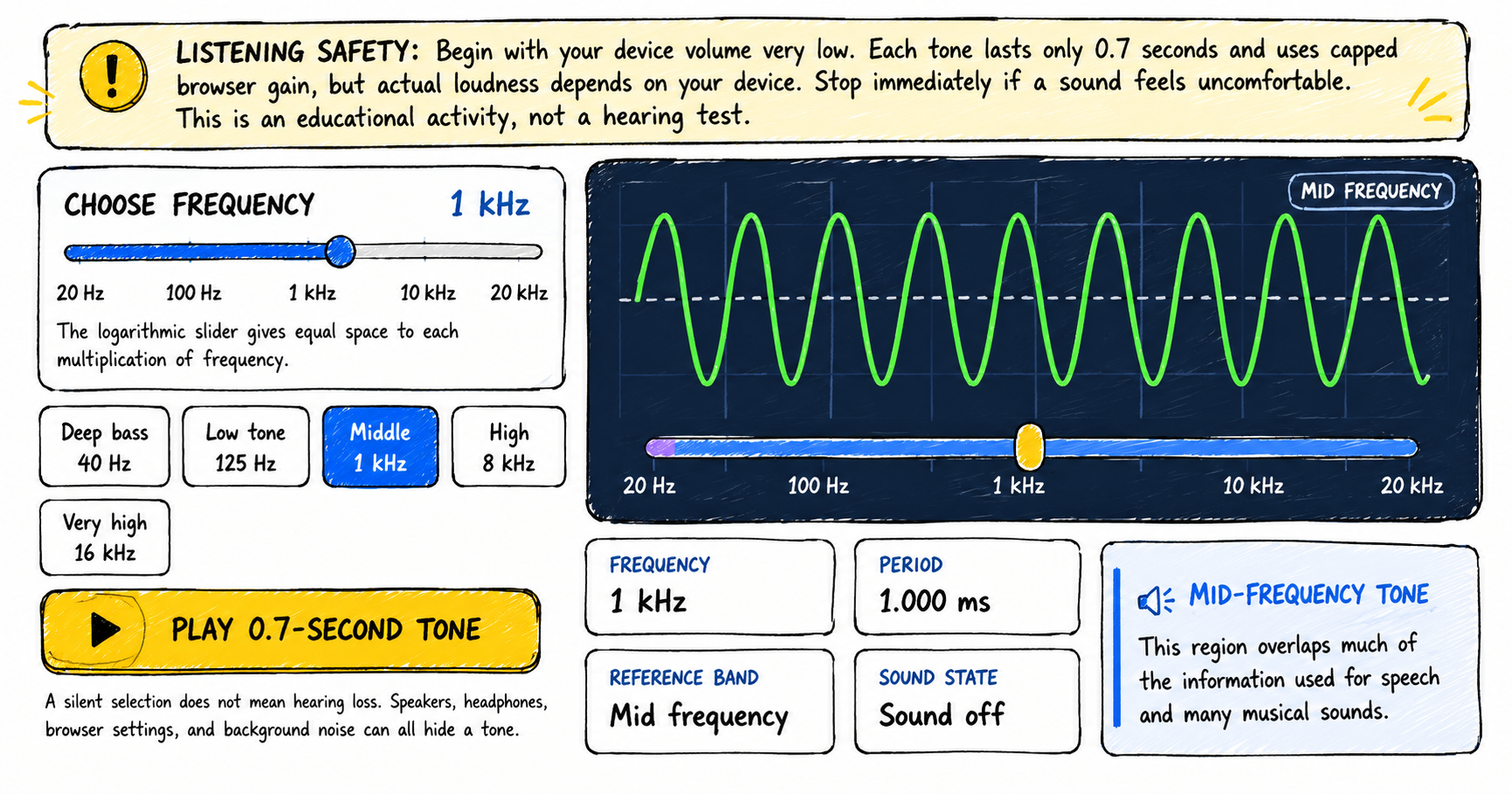
The Human Hearing Range Explorer
Explore the human hearing range from low bass to very high frequencies, compare pitch and period, and optionally record observations from short quiet tone bursts. How to use the human hearing range explorer 1 Lower your volume Set your device volume very low before playing a tone. Stop immediately if any sound feels uncomfortable. 2…
-
Calculate Mass, Volume or Density using this simple Calculator
Enter any two known parameters such as mass and volume, volume and density or mass and density to find the third unknown parameter Density Calculator Density (g/cm³): Mass (g): Volume (cm³): Calculate