
Interactive Physics tools
Explore physics by changing variables and watching what happens.
These interactive physics tools help learners see motion, sound, waves, light, energy, astronomy, and other science ideas in action. Use them to experiment, compare results, and build intuition through visual learning.
Physics tool library
Explore every Physics tool on Genius Littles.
The tools below should be loaded automatically from WordPress. When you publish a new interactive tool and assign it to the Physics Tools category, it will appear here without editing this page manually.
-
Doppler Effect of Sound Simulator
Use this Doppler Effect of Sound Simulator to see why an ambulance siren sounds higher as it approaches and lower after it passes an observer. How to use the Doppler effect simulator 1 Move the ambulance Use the position slider or press Start Motion to let the ambulance pass the observer. 2 Change the speed…
-
Interactive Vector Explorer
Use this interactive vector explorer to learn vectors in 1D, 2D, and 3D. Change vector components, insert a second vector, and watch graphs, formulas, magnitudes, directions, and step-by-step solutions update instantly. How to use the interactive vector explorer 1 Choose 1D, 2D, or 3D Start in 2D for the clearest graph, then try 1D and…
-
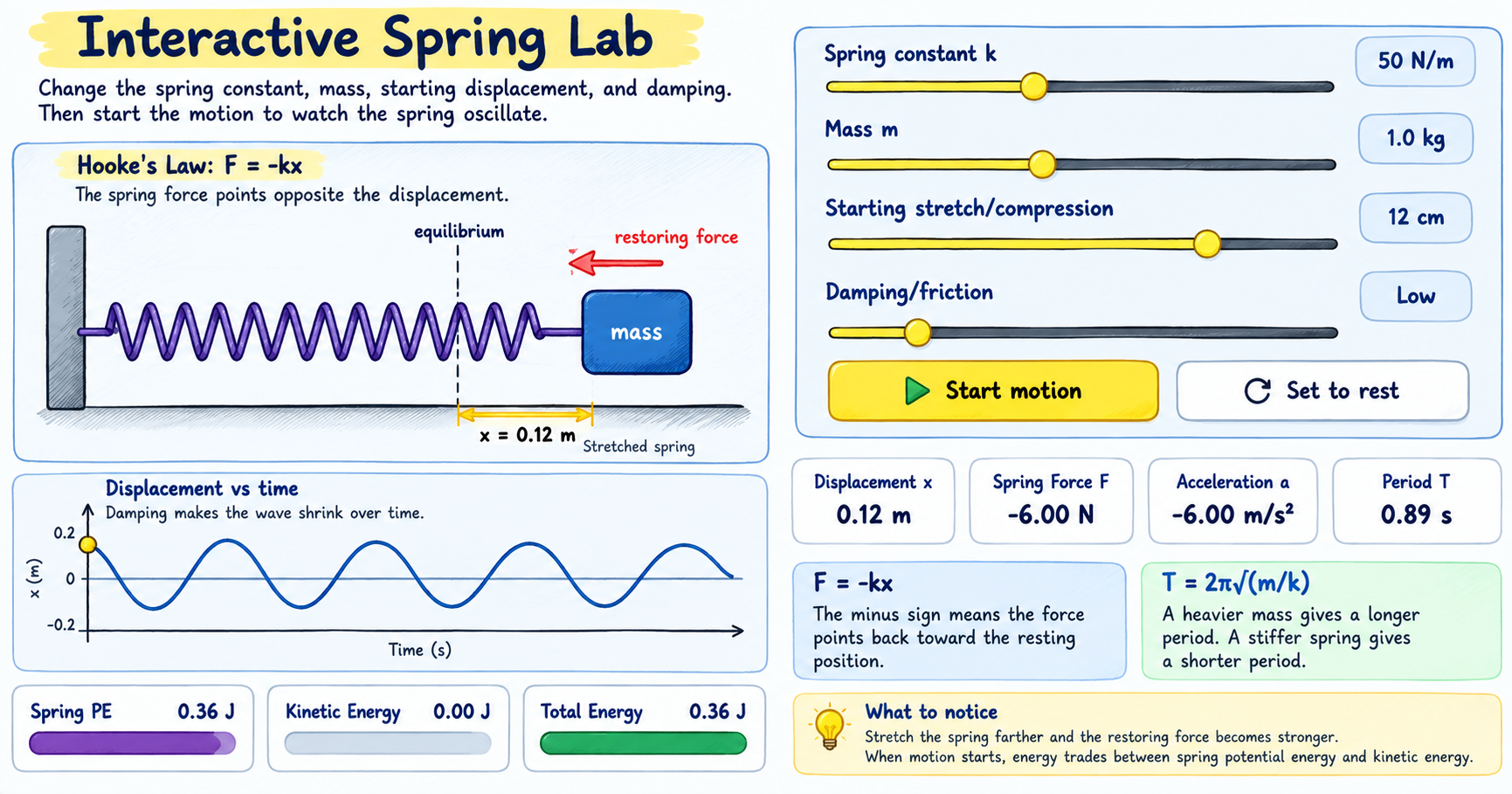
Hooke’s Law Spring Motion Simulator
Use this Hooke’s Law spring motion simulator to pull or compress a spring and watch the restoring force, acceleration, period, and energy change in real time. How to use the Hooke’s Law simulator 1 Pull or compress the spring Move the displacement slider left or right. The spring force points back toward the resting position.…
-
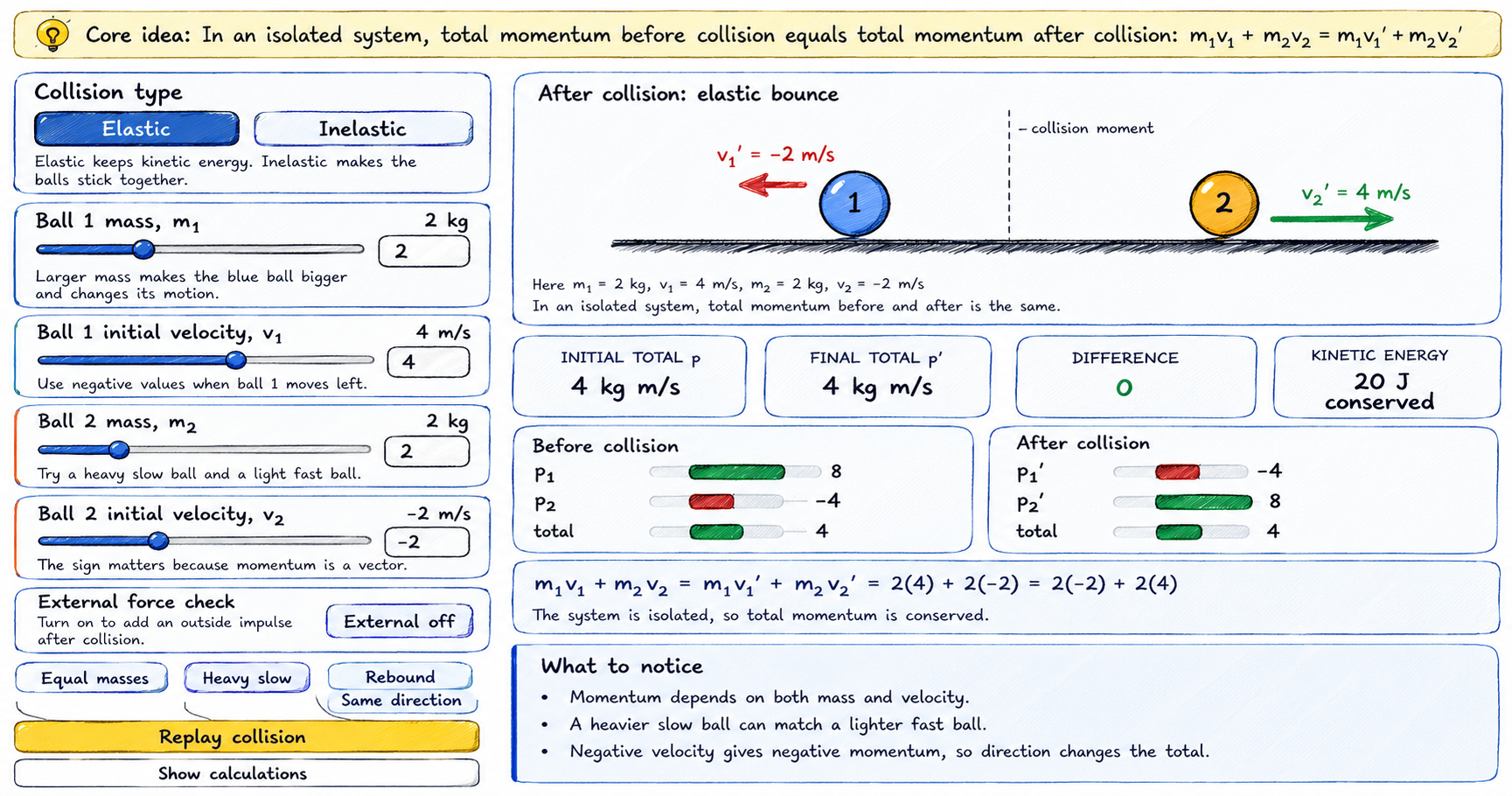
Momentum Conservation and Collision
Use this Momentum Conservation and Collision simulator to change the mass and velocity of two balls, choose elastic or inelastic collision, and see why total momentum stays the same in an isolated system. How to use the Momentum Conservation and Collision simulator 1 Set the two balls Use the sliders to choose mass and signed…
-
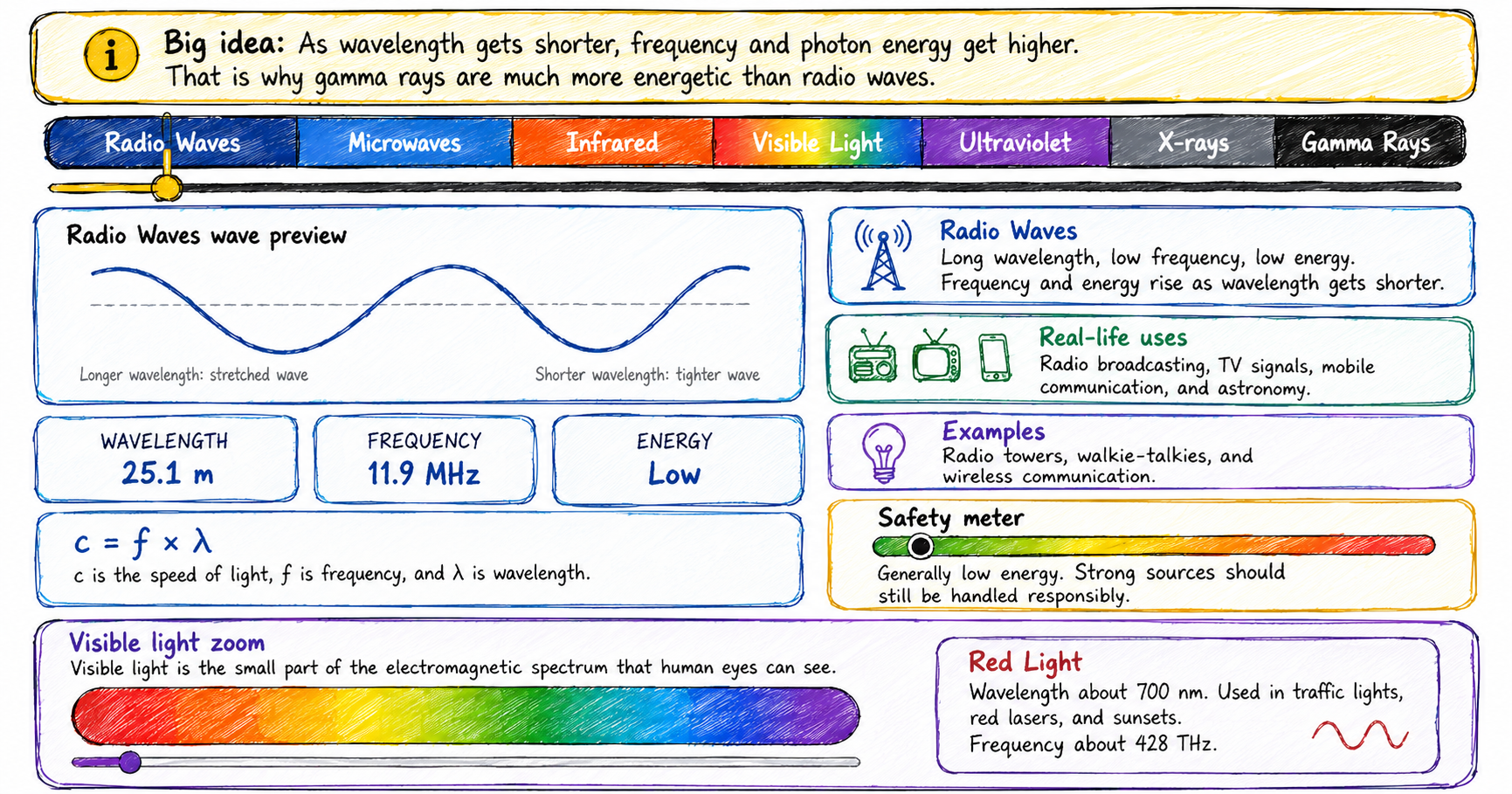
Electromagnetic Spectrum Explorer
Use this electromagnetic spectrum explorer to slide from radio waves to gamma rays. Watch wavelength, frequency, photon energy, examples, uses, and safety ideas update in real time. How to use the electromagnetic spectrum explorer 1 Drag across the spectrum Move the slider from radio waves to gamma rays. The selected wave type changes on the…
-
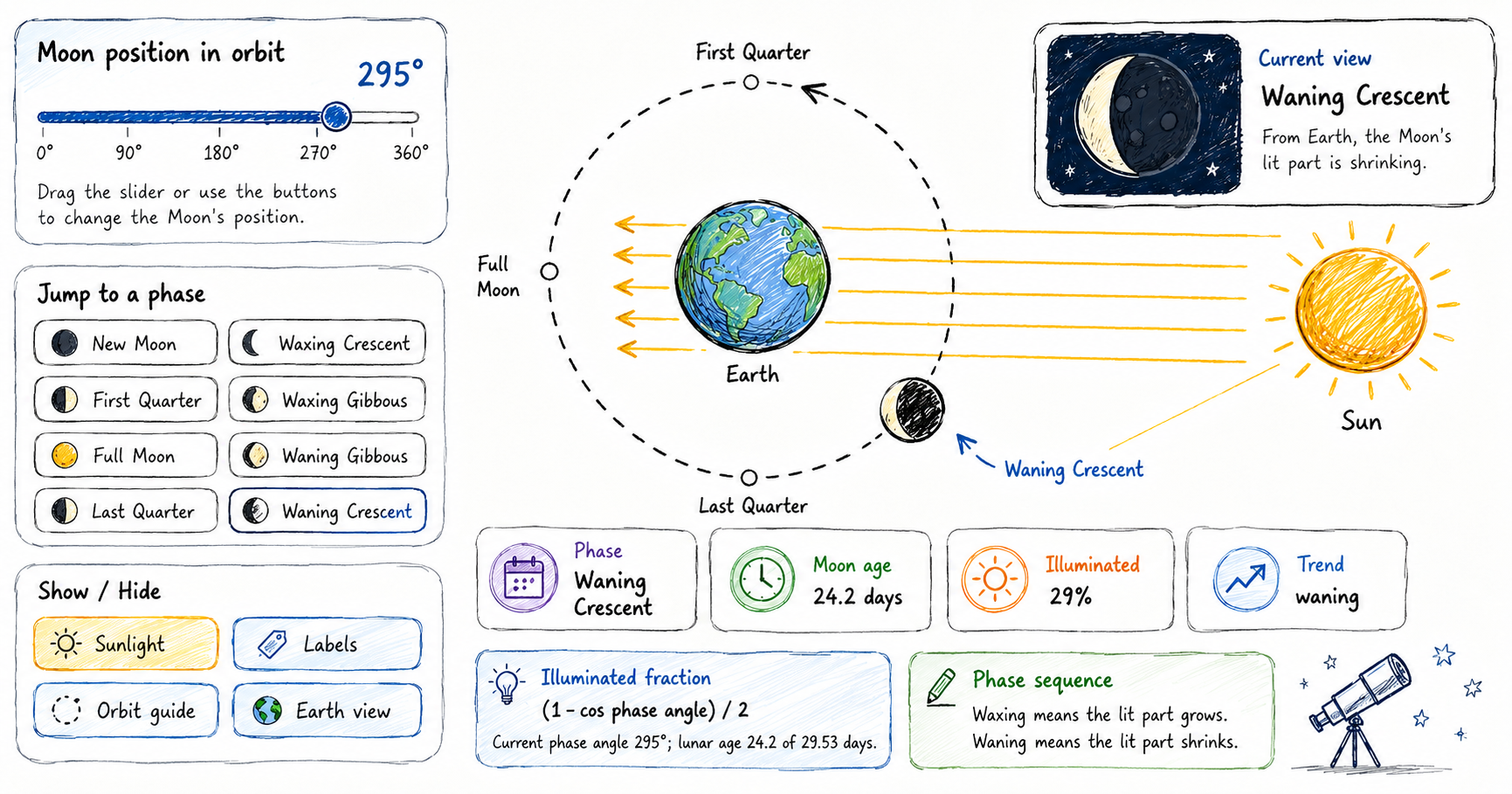
Moon Phases Learning Tool
Use this moon phases learning tool to see why the Moon appears to change shape during a lunar month. Drag the Moon around Earth and compare New Moon, waxing crescent, First Quarter, waxing gibbous, Full Moon, waning gibbous, Last Quarter, and waning crescent. How to use the moon phases learning tool 1 Drag the Moon…
-
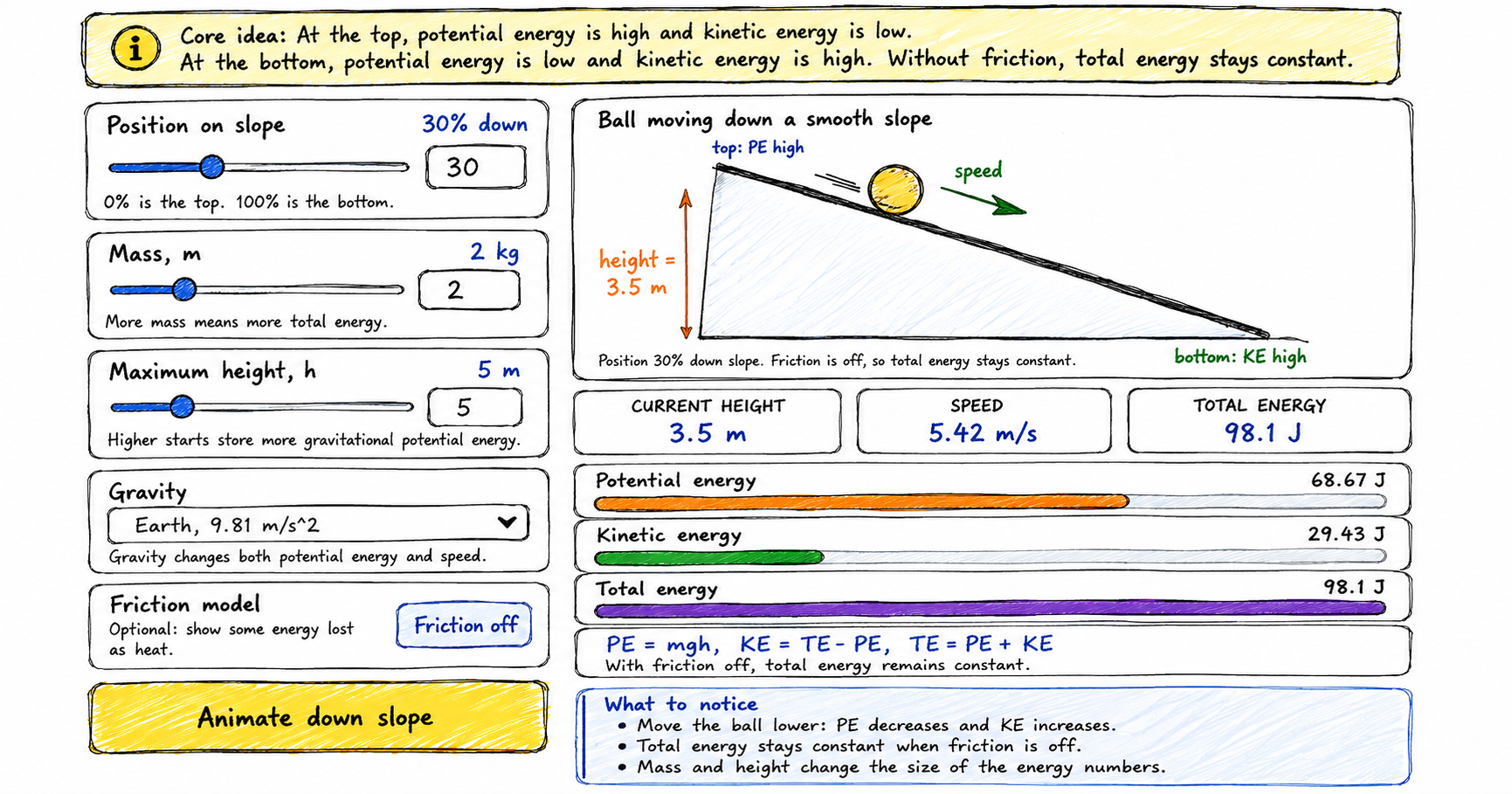
Potential and Kinetic Energy Interactive Tool
Use this potential and kinetic energy simulator to move a ball down a smooth slope. Watch height, speed, potential energy, kinetic energy, and total energy change together. How to use the potential and kinetic energy simulator 1 Move the ball Use the position slider to move the ball from the top of the slope to…
-
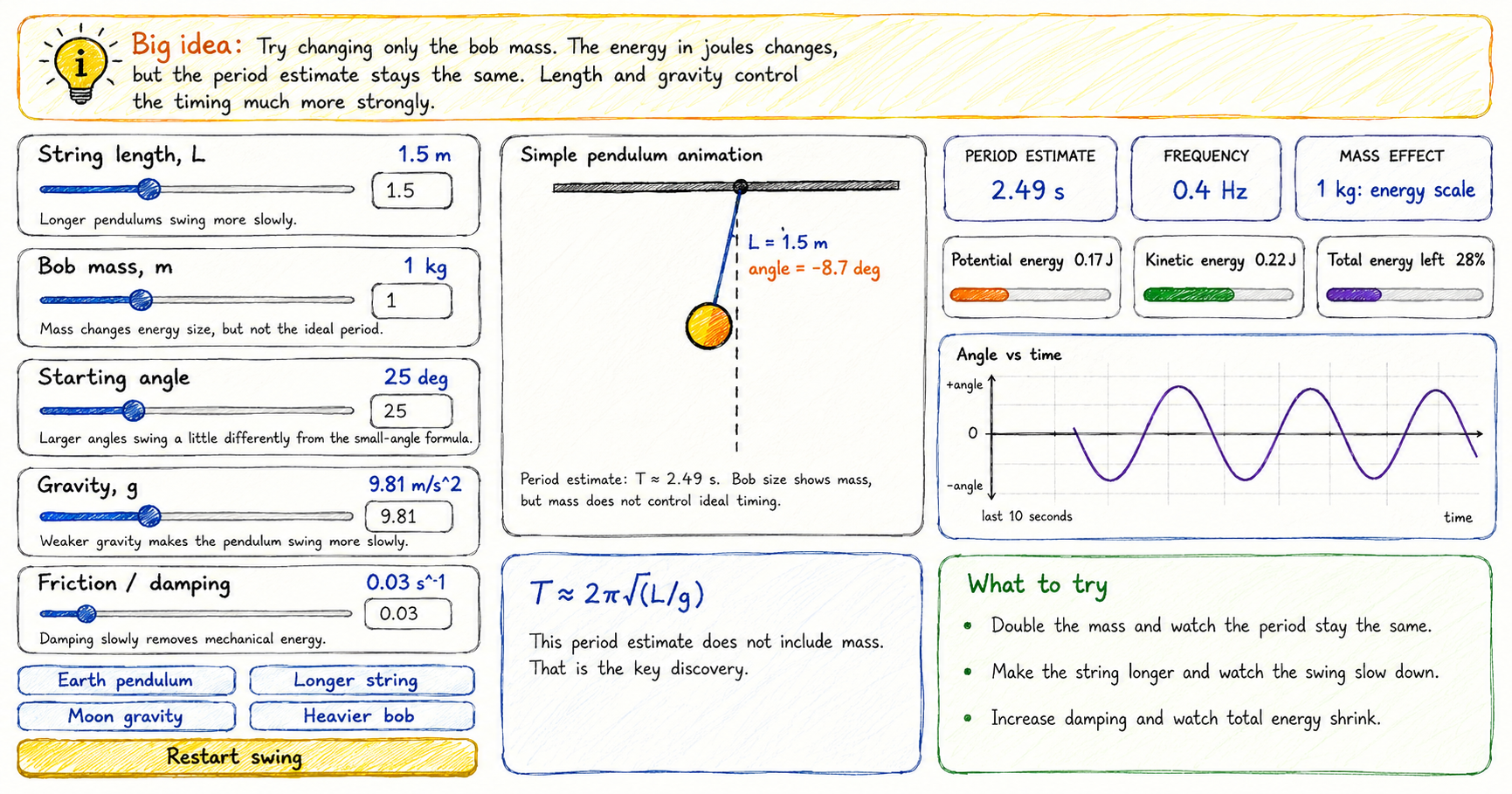
Simple Pendulum Simulator
Use this simple pendulum simulator to explore how string length, bob mass, starting angle, gravity, and damping affect a swinging pendulum. Watch the animation, compare energy changes, and study the angle versus time graph. How to use the simple pendulum simulator 1 Set the string length Move the length slider and watch how the period…
-
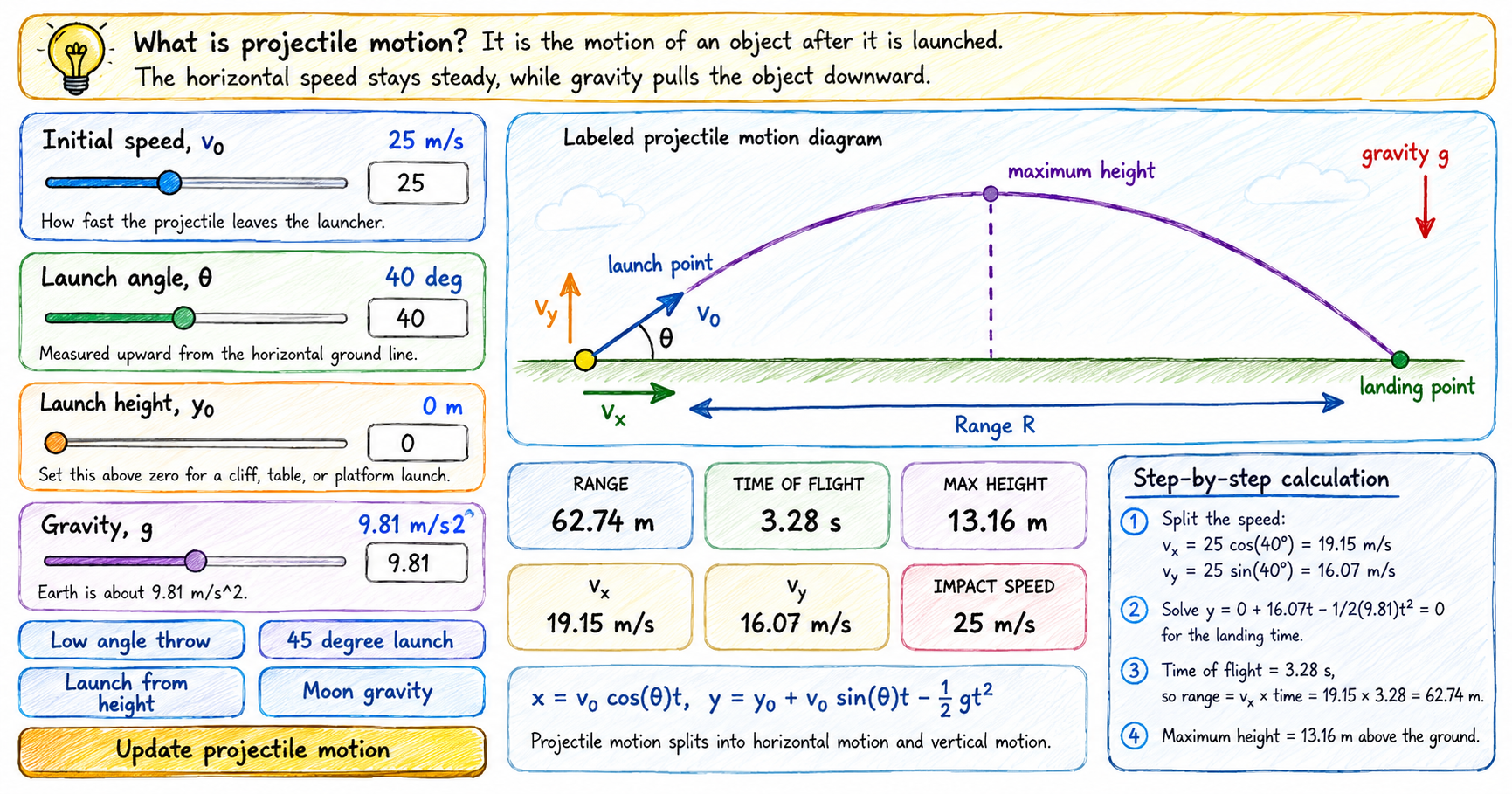
Projectile Motion Interactive Calculator
Use this projectile motion calculator to explore how launch speed, launch angle, starting height, and gravity affect the path of an object. The interactive diagram shows the trajectory, range, time of flight, maximum height, and velocity components. How to use the projectile motion tool 1 Set the launch speed Choose the initial speed v0. A…